SEO & Website Performance
Technical SEO For Beginners
Published: November 13, 2025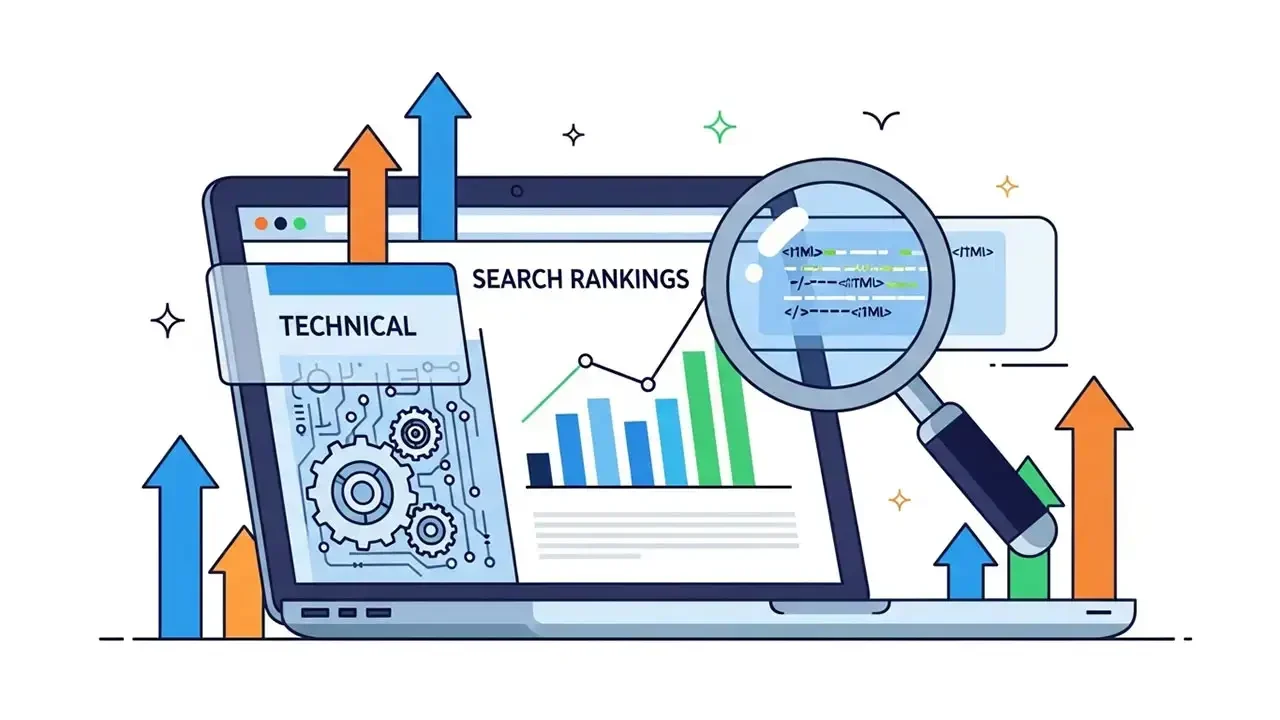
The Invisible Engine of Growth
If your website takes too long to load or if search engine bots cannot figure out how your pages are organized, your content might as well be invisible. This is the reality of the digital landscape. You can have the most beautiful design and the best writing in the world, but without a technical foundation, your audience will never find you.
We view Technical SEO as the printing and binding of a book. You could write the next great novel, but if it is filed in the wrong section of a library or printed upside down, it will never be read. Technical SEO is not about what you say. It is about making it effortless for search engines to find, read, and understand your site. Our Digital Marketing Strategy always begins with this foundation to ensure every other marketing effort is effective.
Step 1: Ensuring Your Site is Discoverable
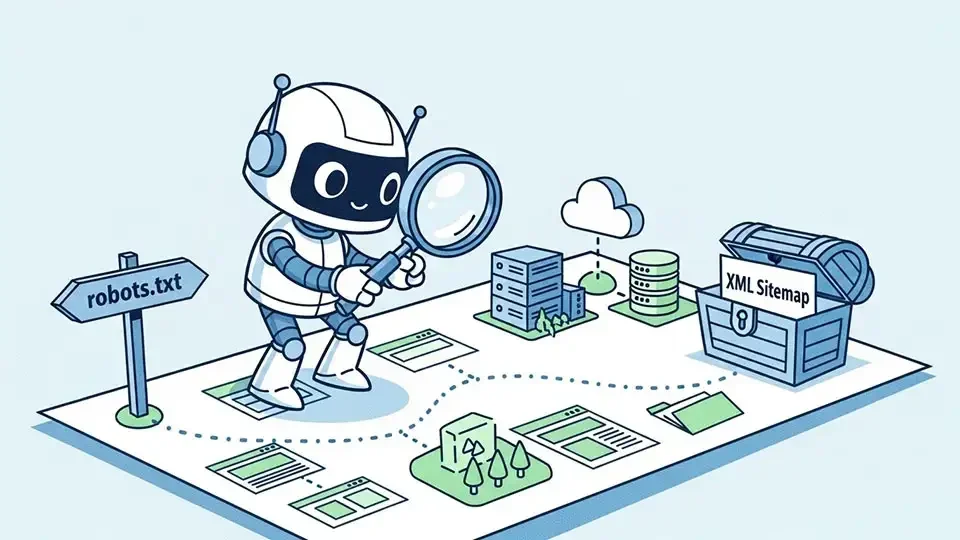
Before a search engine can show your site to a potential customer, it must first crawl and index your pages. If your site is not indexed, it simply does not exist in the digital world. We focus on two critical files to ensure your site is wide open for discovery:
-
The robots.txt file:
This small file acts as a welcome mat for search engines. It tells them which parts of your site they can visit. We ensure that your important assets, like your styling and scripts, are fully accessible. -
The XML Sitemap:
This is the blueprint of your website. It is a directory that lists every important page you want the world to see. We submit this directly through Google Search Console so there is zero guesswork for the search engine.
Quick Action:
We recommend every business owner verifies their sitemap status once a month to ensure new content is being found immediately.
We recommend every business owner verifies their sitemap status once a month to ensure new content is being found immediately.
Step 2: Mastering Site Speed and Core Web Vitals
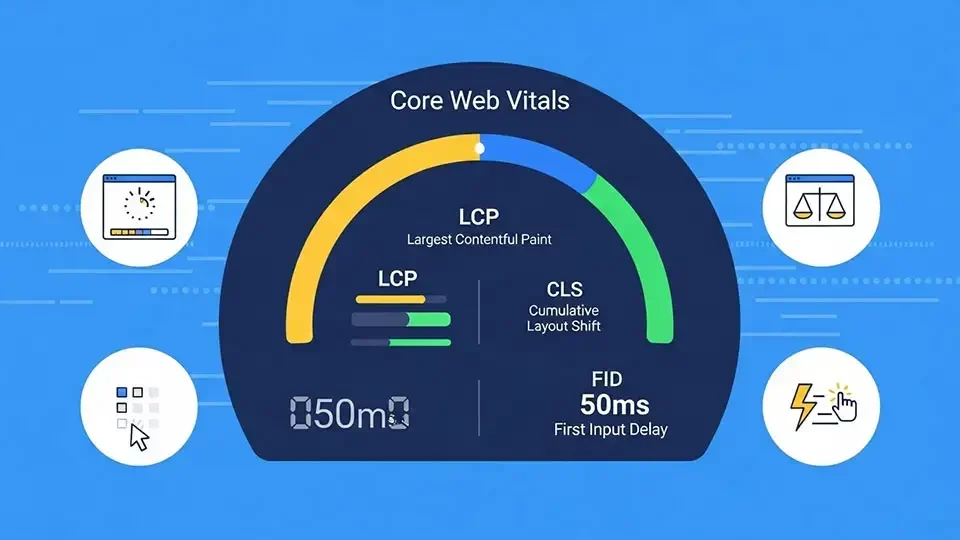
A slow website kills both rankings and conversions. Modern search engines measure user experience through Core Web Vitals, which track how fast your page loads and how smoothly it behaves while a person is using it.
To turn your site from a tortoise into a hare, our team applies several technical fixes:
-
Image Compression:
We use advanced tools to shrink file sizes without losing quality, ensuring your Motion Graphics and photos load instantly. -
Browser Caching:
We store parts of your site locally on the user's device so their second visit is even faster than the first. -
Global Content Delivery:
We use content delivery networks (CDN) that store copies of your site on servers all over the world. This ensures a visitor in London gets the same fast experience as a visitor in New York.
You can audit your current performance using the Google PageSpeed Insights tool to see where you stand. Our SEO and Website Speed services are designed to get you into the green zone for every metric.
Step 3: Eliminating Duplicate Content Confusion
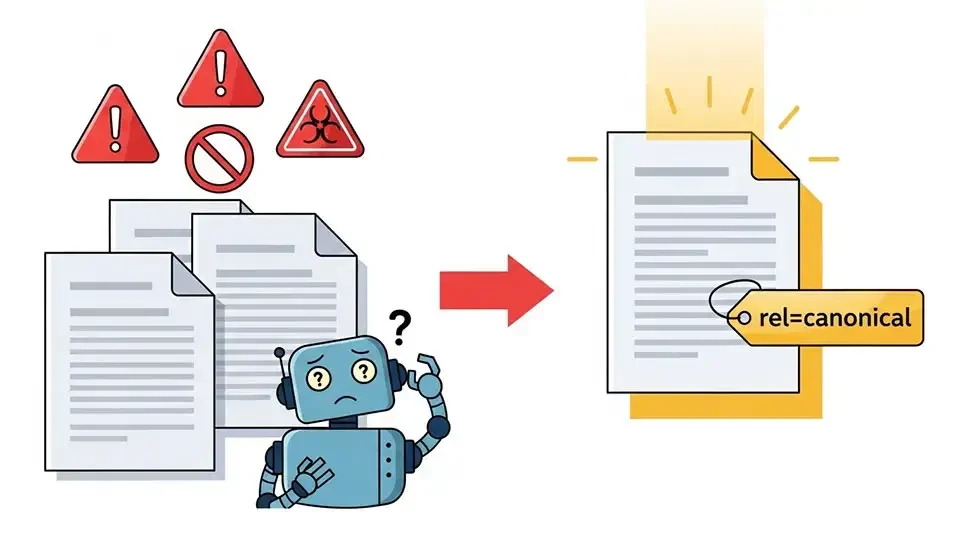
Duplicate content happens when the same text appears on multiple web addresses. This confuses search engines because they do not know which version of the page should get the ranking credit. This often happens with ecommerce sites or when a site has both secure and non secure versions active at the same time.
We solve this using a technical tool called a canonical tag. This tag tells search engines which version of a page is the original. By pointing all credit to one primary URL, we protect your authority and prevent your pages from competing against each other. For a deeper dive into how this works, Moz provides an excellent guide on canonical structures.
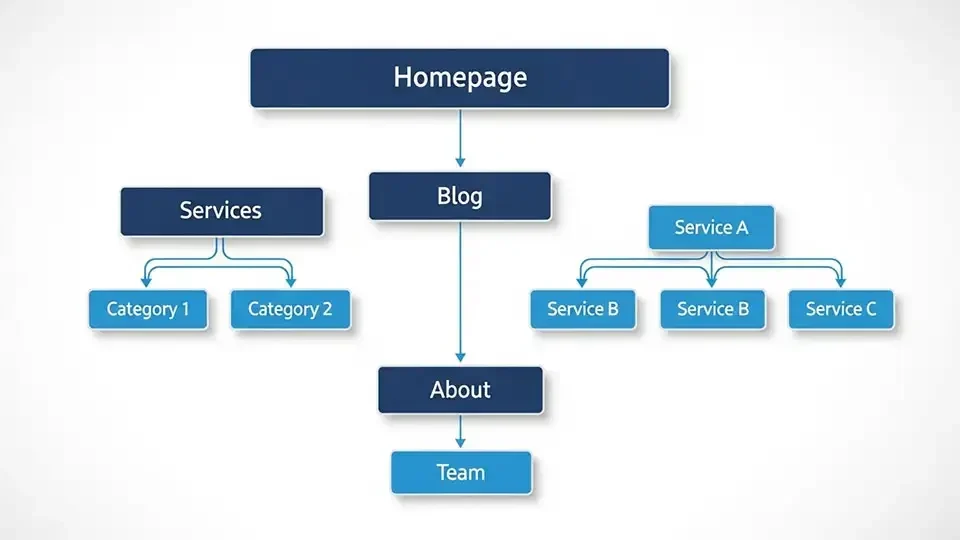
Step 4: Building a Smart Internal Linking Structure
Internal links connect your pages together and are a quiet powerhouse for SEO success. They help visitors navigate your site and tell search engines which pages are the most important. We view a website like a pyramid:
-
The Homepage:
This sits at the very top. -
The Core Pages:
These include your primary offerings like About Us, Case Studies, Services, Blog, Contact, or any other page that you want to show up on your main menu. -
Supporting Content:
These are your individual services pages like "/services/social-media/">Social Media & PR, You Case studiy sub-ages like Jumeirah Hotels & Resorts or blog posts like 5 Digital Marketing Mistakes to Avoid that provide value and link back up to your top level pages.
This hierarchy ensures that search engines understand your expertise. We make it a rule to include at least two or three internal links in every article we publish.
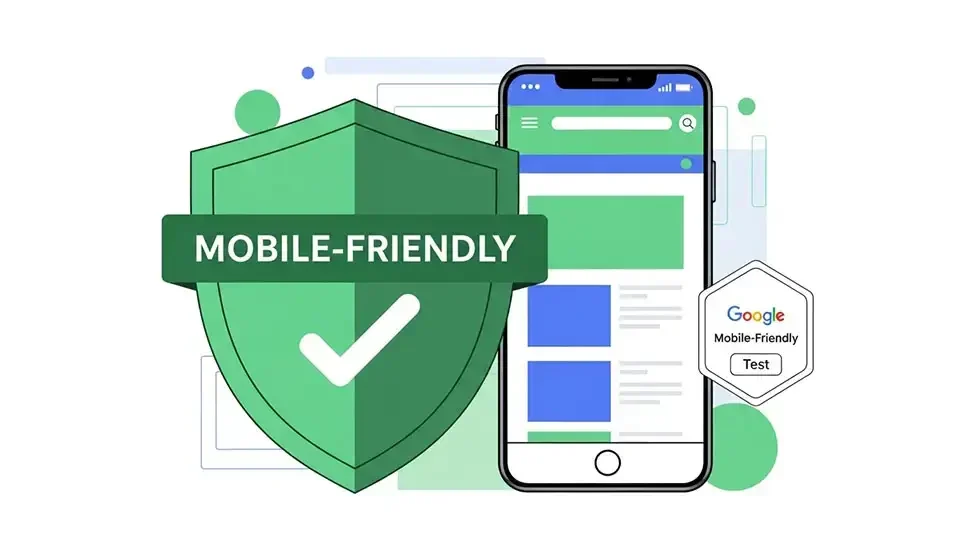
Step 5: Prioritizing the Mobile Experience
The world has moved to mobile, and so has Google. Websites are now ranked based on their mobile version first. If your buttons are too small or your text is hard to read on a phone, your rankings will suffer regardless of how good your desktop site looks.
Our team uses responsive design to ensure your site automatically adapts to any screen size. This is a non negotiable part of our Web Development process. You can check your own site using the Google Mobile Friendly Test to ensure your visitors are getting a great experience on the go.
Technical SEO Checklist for Success
To keep your site in peak condition, we recommend these ongoing maintenance steps:
-
Broken Link Checks:
Regularly scan for 404 errors that frustrate users and bots. -
SSL Certificates:
Always keep your site secure with HTTPS to build trust. -
Minification:
We strip out unnecessary characters from your code to make it as light as possible. -
Structured Data:
We use schema markup to help search engines show rich snippets like star ratings or prices in search results.
Conclusion: A Foundation for the Future
Technical SEO is not a one time project. It is the invisible foundation of your entire online presence. When your site is fast, secure, and easy to navigate, every other piece of marketing you do becomes more effective.
We do not just optimize for bots. We build faster and smoother experiences for real people. When your users are happy, search engines will reward you with higher visibility and more traffic.
Ready to stop leaving your rankings to chance? Talk to Our Team or explore our SEO and Performance Services to get started today.